

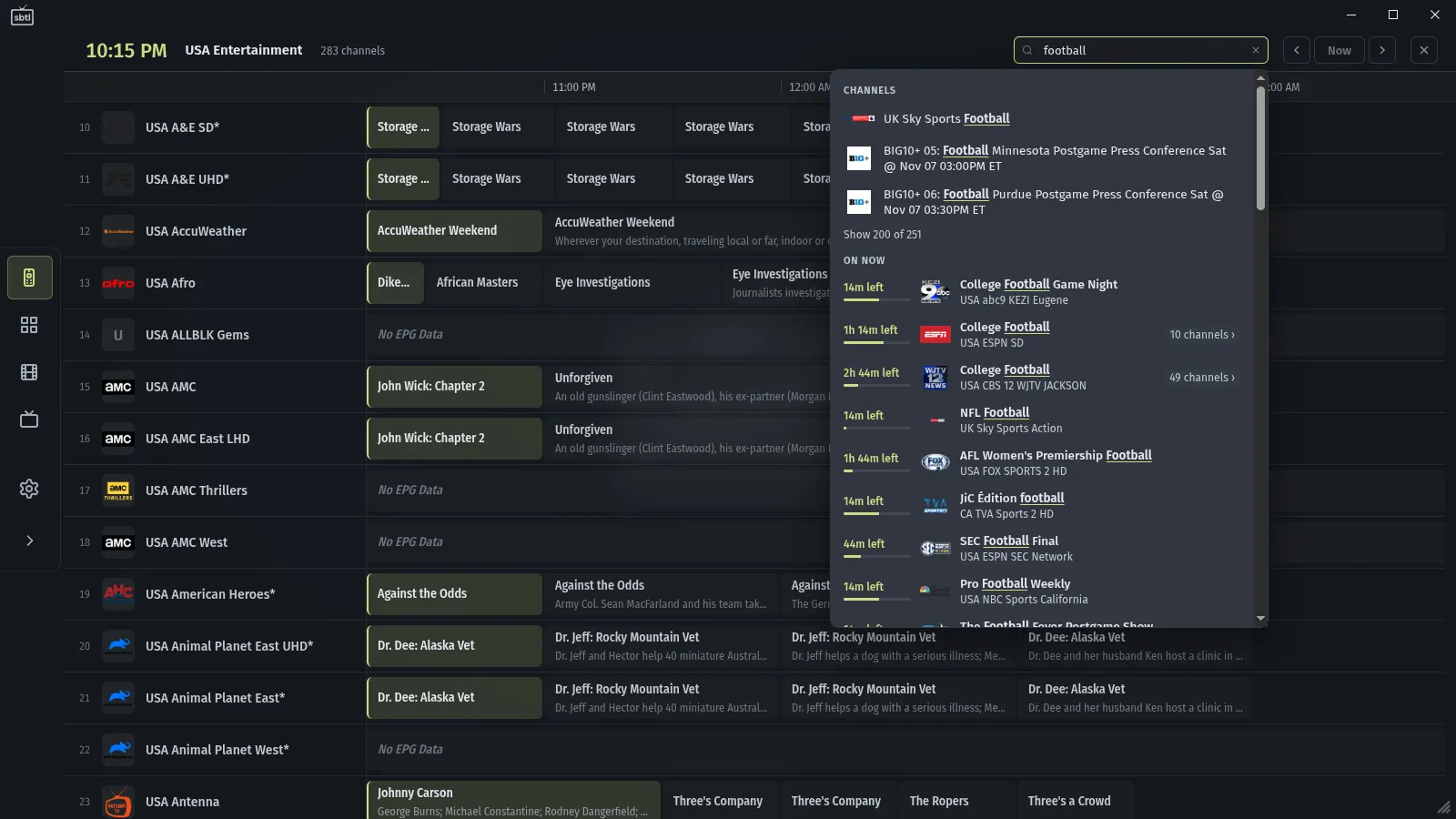
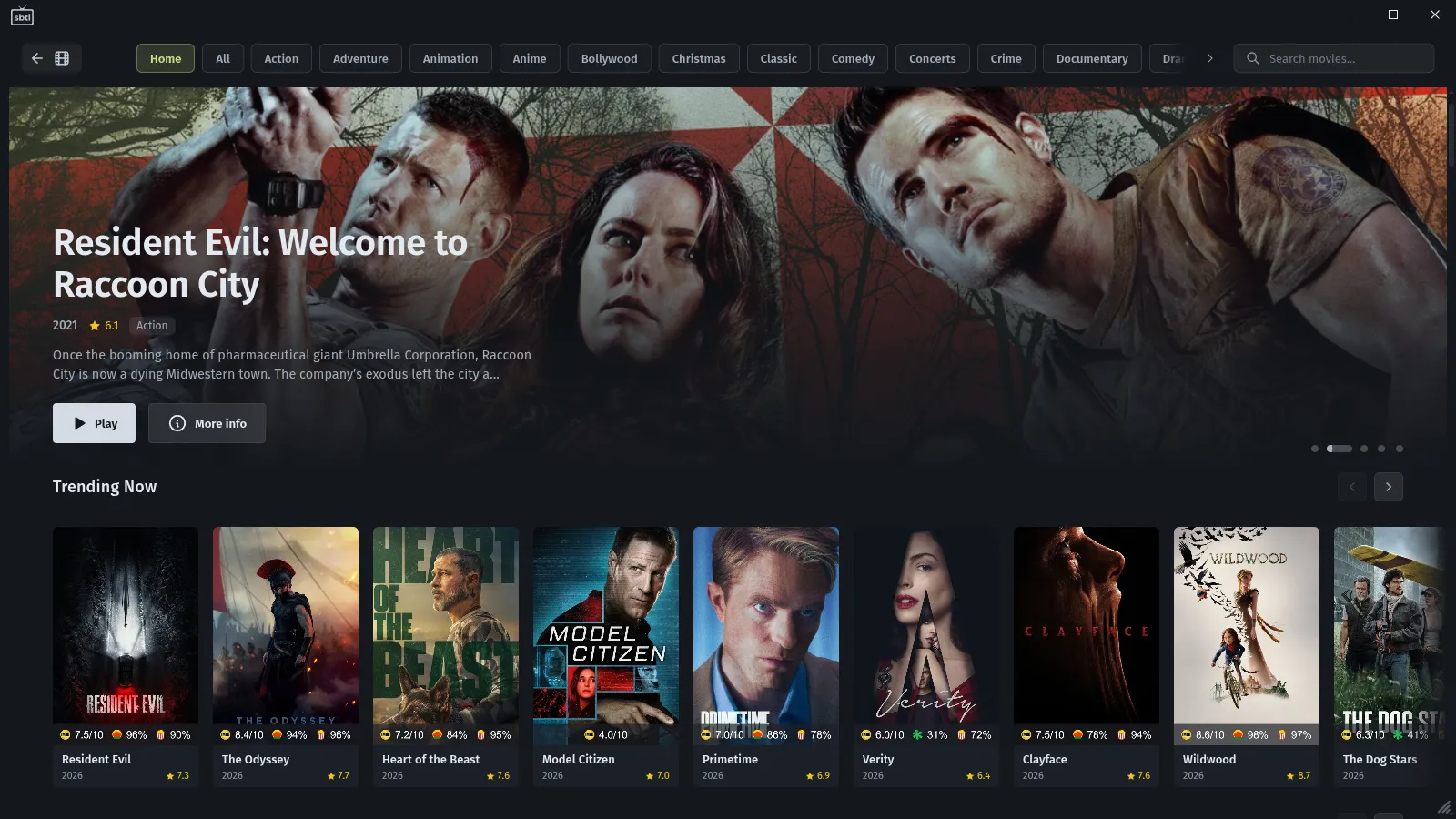
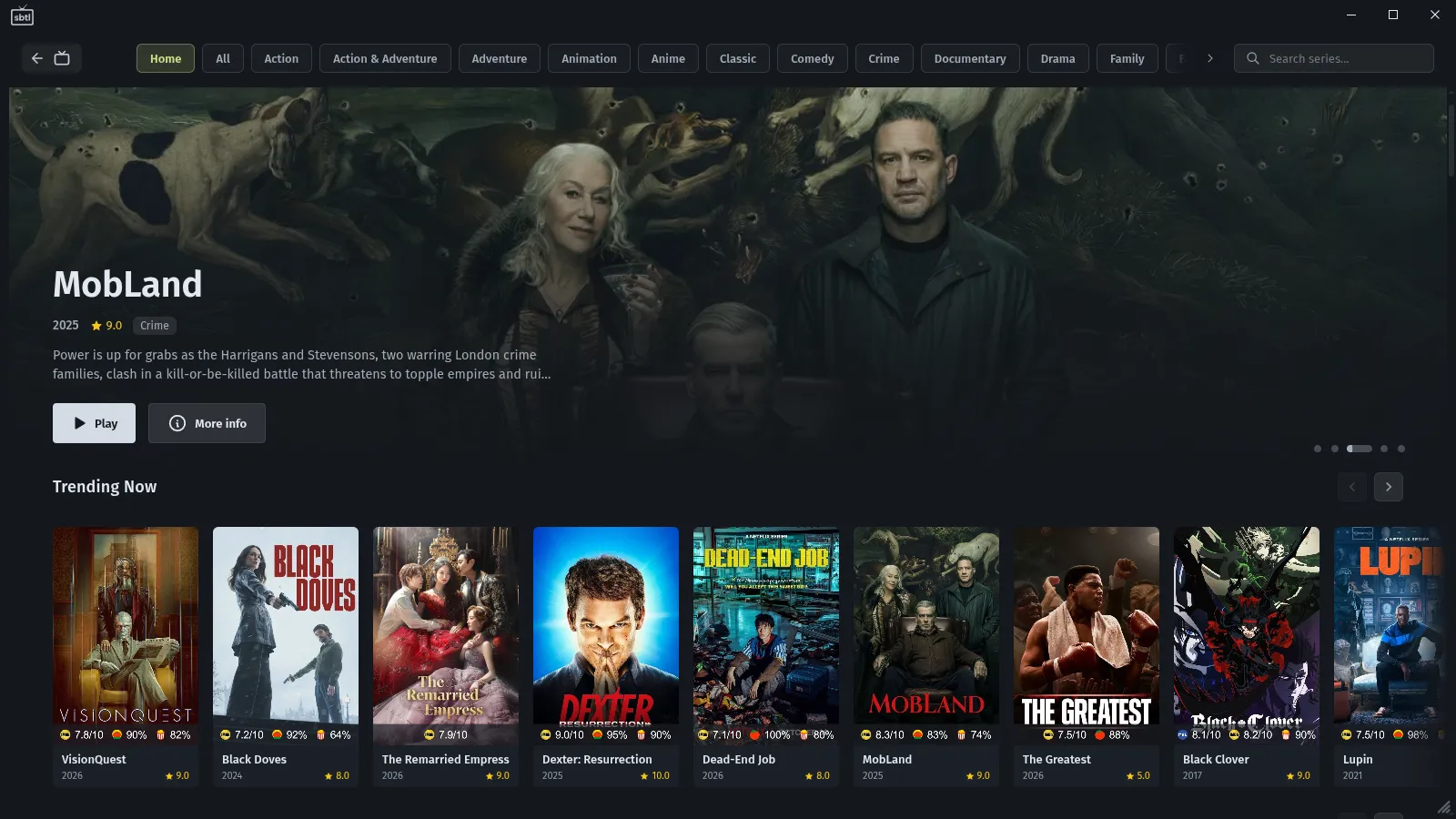
What it does
- Live TV with a real guideBrowse by category, and search for a show across every channel.
- Movies and SeriesA home page with rows, a watchlist, and resume where you left off.
- Rewind live TVPause or jump back on live channels.
- Subtitles and live captionsIn your language, with subtitles from SubDL when a title has none.
- Several sourcesXtream logins and M3U playlists together, in the order you set.
- Streams that recoverProvider drops reconnect on their own.
- Themessbtl plus Catppuccin, Gruvbox, Nord, Tokyo Night and more.
- Move your setupExport sources and settings to one locked file and import it on another computer.
Privacy
This site has no analytics, no cookies, and loads nothing from other sites. Requests aren't logged, so your IP address isn't kept. Downloads come from GitHub.
The app talks to your provider, and to the optional services you turn on (guide sources, TMDB, SubDL). Your sources, logins and history stay on your computer. The full list is in the README.
Curated lists are one file the app checks about once a day: no account, no ID, nothing about you in the request. Like the rest of the site, it isn't logged. Turn lists off in the app and it is never fetched.
FAQ
Does it come with channels?
No. sbtlTV is a player. It doesn't provide, host or sell any channels, movies or shows; you use it with your own provider.
What do I need?
An Xtream login from your provider, or an M3U playlist. The guide comes from your provider, or add an XMLTV link. On Linux, install mpv from your package manager.
Which Mac does it run on?
Apple Silicon (M1 or later) with macOS 13 or later.
Windows says it protected my PC
SmartScreen can block new apps on first run. Click More info, then Run anyway.
AppImage or .deb?
The AppImage updates itself. The .deb installs like any package but doesn't update itself; download the new one from here.
Is it free?
Yes, and open source under the AGPL-3.0. The code is on GitHub.
Where is my data?
On your computer. There is no sbtlTV account.
What are curated lists?
Rows on the Movies and Series home pages, like "Halloween classics", picked by hand. They only show titles your provider already has. Turn them off in Settings.
How do I report a bug?
Save a bug report in Settings > Debug and attach it to a GitHub issue. It leaves out logins, provider addresses and names.
Can I donate?
sbtlTV doesn't take donations. It is free and open source, and will stay that way. If you want to give something, give it to the Electronic Frontier Foundation. They defend your right to use, study and change the software you own, and your privacy online.